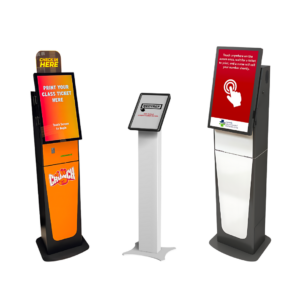
 Check-in kiosks handle the front end of arrival—collecting information, verifying identity, processing payments, and issuing credentials like room keys, boarding passes, visitor badges, or appointment confirmations. They’re used across hotels, healthcare facilities, corporate offices, airports, events, and government buildings, wherever there’s a need to move people through a structured intake process efficiently.
The appeal is straightforward: reduce wait times, free up staff for higher-value interactions, and give customers more control over how they check in. In the right environment, kiosks deliver exactly that. In the wrong one, they introduce confusion, hesitation, and bottlenecks that didn’t exist with a staffed desk.
In practice, the difference usually comes down to how predictable the check-in process is, how comfortable customers are with self-service, and whether the kiosk actually removes friction—or simply moves it somewhere else. That distinction is what separates deployments that improve flow from those where kiosks sit unused while customers queue at the desk anyway.
This guide breaks down how check-in kiosks work, where they tend to succeed, where they struggle, and what to evaluate before implementing them.
What Check-In Kiosks Do (and Don’t Replace)
At their core, check-in kiosks handle three things: collecting information, validating that information, and issuing a credential. That might mean capturing a name or reservation number, verifying identity, and then printing a badge, encoding a room key, or generating a QR code. When those steps are consistent and predictable, kiosks tend to work well because they mirror a process that doesn’t require interpretation.
This is why environments like airports have become the benchmark. Travelers know what to expect, the workflow is consistent across millions of transactions, and the priority is speed. In those conditions, kiosks reduce friction, shorten lines, and allow staff to focus on exceptions instead of repeating the same interaction all day.
Where things begin to break down is when that consistency disappears. If customers need guidance, if transactions vary significantly, or if reassurance is part of the experience, a kiosk can slow things down rather than speed them up. A hotel guest arriving in a new country, a patient navigating insurance questions, or a visitor unsure how access works will often default to a person rather than a screen.
It’s also important to recognize that kiosks don’t eliminate work—they redistribute it. Staff are still needed to handle exceptions, assist users, troubleshoot issues, and maintain the system. The goal isn’t to remove staff entirely, but to let kiosks absorb predictable transactions so staff can focus where they’re actually needed.
How Check-In Kiosks Work
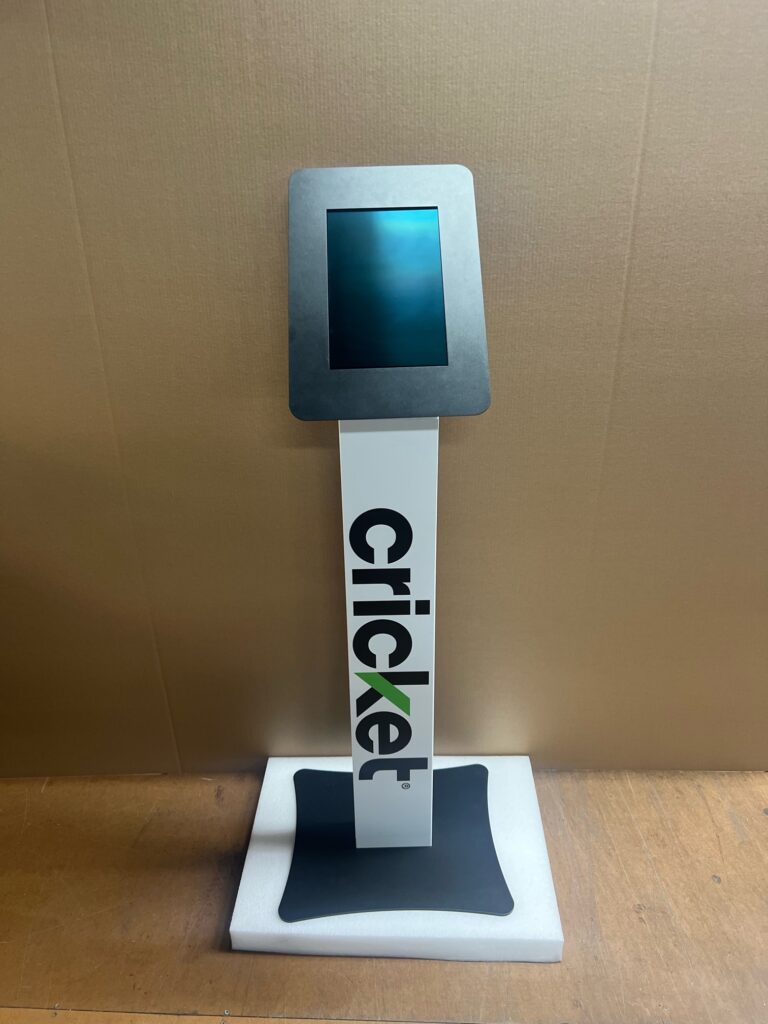 From the user’s perspective, the process is simple: confirm identity, verify information, and receive a credential. What feels like a quick interaction on the front end is supported by multiple systems working together behind the scenes.
In hotels, kiosks connect to property management systems to retrieve reservations, assign rooms, and encode key cards. In healthcare, they integrate with practice management and medical record systems to confirm appointments and trigger intake workflows. In corporate environments, they connect to visitor management and access control systems to verify identity, print badges, and notify hosts.
From a deployment standpoint, the complexity isn’t in the interface—it’s in how well these systems communicate. That’s where kiosk software, management platforms, and properly configured hardware need to function as a single system rather than separate components.
A typical workflow includes identity verification, data validation, optional payment collection, credential issuance, and confirmation through email or SMS. When that sequence aligns with how users naturally think about check-in, kiosks feel intuitive. When it doesn’t, users hesitate, abandon the process, or require assistance.
Where Check-In Kiosks Work (and Where They Don’t)
Check-in kiosks don’t perform the same way across industries because the underlying workflows—and customer expectations—are different. What works well in one environment can create friction in another, even when the technology itself is identical.
The common thread is consistency. The more predictable the process and the more familiar customers are with it, the more likely kiosks are to improve flow rather than disrupt it.
Hotels and Hospitality
In hospitality, kiosks tend to work best for repeat guests, loyalty members, and business travelers who already understand the process and value speed over interaction. Limited-service properties and environments with established mobile check-in also tend to see higher adoption.
They’re less effective for first-time guests, international travelers, or anyone needing guidance, recommendations, or problem resolution. In those cases, the front desk remains essential. Most successful deployments use a hybrid model—letting experienced guests self-serve while directing others to staff—so the kiosk supports the experience rather than replacing it.
Healthcare
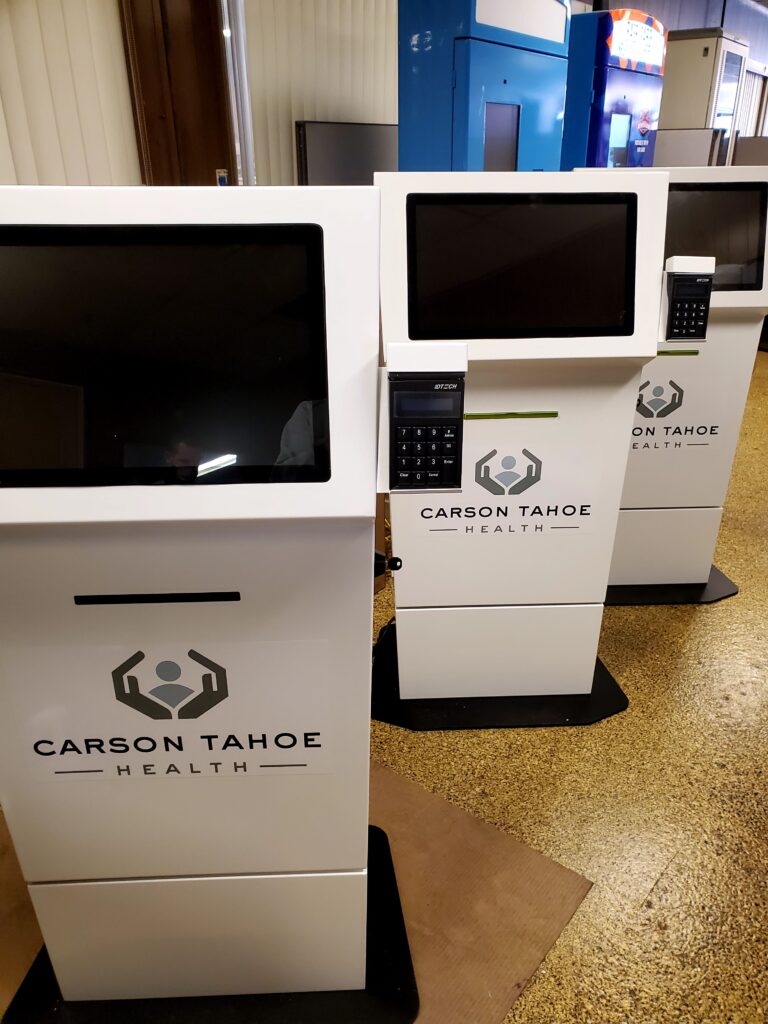 Healthcare check-in kiosks work best for returning patients with scheduled appointments, stable insurance, and familiarity with the process. They help reduce administrative workload and improve patient flow when used in the right context.
They tend to struggle with new patient intake, insurance issues, or complex scheduling, where staff expertise is still required. In practice, they’re most effective when integrated into a broader workflow that includes systems like patient check-in kiosks and visitor management, with staff available to handle exceptions.
Corporate Visitor Management
In corporate environments, kiosks are most effective for pre-registered visitors, repeat vendors, and straightforward badge printing workflows. They streamline arrival while notifying hosts and maintaining basic tracking.
They’re less effective for unannounced visitors or environments requiring higher levels of verification. In those cases, kiosks can support the process, but staff oversight remains necessary for meaningful security.
Events and Conferences
Large events with high pre-registration rates benefit most from check-in kiosks. Badge printing, QR code scanning, and rapid throughput align well with self-service.
Smaller events or those with significant walk-up registration tend to rely more heavily on staff, since transactions are less predictable and often require assistance. In general, events with higher volume and more standardized workflows see the greatest benefit.
Airlines and Transit
Airlines represent the most successful check-in kiosk model because the process is highly standardized and customers are already familiar with it. Decades of consistent implementation have set expectations, making kiosks a natural part of the experience rather than a new layer to navigate.
Other industries often try to replicate this success, but without the same level of standardization or customer familiarity, which is where friction tends to appear.
Government Offices
Government kiosks work well for scheduled appointments, queue management, and routine transactions where processes are clearly defined. They help organize flow and reduce administrative burden in high-volume environments.
They tend to struggle with complex services, eligibility questions, or populations that require assistance navigating the process. In those cases, kiosks can shift the bottleneck rather than eliminate it.
Integration Requirements and Reality
Check-in kiosks are only as effective as their integrations. A kiosk that can’t access accurate data or complete the workflow end-to-end often creates more work than it saves.
Common integrations include property management systems, healthcare platforms, access control systems, event management tools, and payment processors. When these systems communicate reliably, the kiosk becomes a natural extension of the operation.
When they don’t, issues show up quickly—stale data, duplicate steps, or workflows that break mid-process. In real-world deployments, integration complexity often drives both timeline and cost more than the kiosk hardware itself.
Staff + Kiosk Hybrid Models
The most effective deployments don’t eliminate staff—they rebalance them. Kiosks handle predictable transactions, while staff focus on exceptions, assistance, and customer experience.
In practice, this often means placing staff near kiosks during peak times, guiding users toward the right option, and stepping in when needed. Fully kiosk-only models are rare because technical issues, exceptions, and accessibility needs require ongoing support.
What to Evaluate Before Buying
Selecting check-in kiosks isn’t just about hardware—it’s about whether the deployment will actually improve operations. This is where many projects either succeed or start to break down.
Start with process consistency. If the check-in workflow varies significantly between customers, automation may introduce friction rather than remove it.
Then evaluate customer readiness. Are users comfortable with self-service, or will they require assistance? Integration requirements are equally important, since backend systems must communicate reliably for the kiosk to function as intended.
Finally, consider operational support. Who assists users, resolves issues, and maintains the system? Kiosks reduce workload, but they don’t eliminate it.
For broader evaluation criteria, see our guide on choosing a kiosk manufacturer.
Common Deployment Mistakes
Assuming kiosks eliminate staff needs. They reduce workload but still require support.
Deploying without process standardization. Automation doesn’t fix inconsistency.
Ignoring customer behavior. Not all users prefer self-service.
Underestimating integration complexity. Real-world systems rarely connect as easily as expected.
Focusing only on hardware cost. Integration and operations often exceed equipment cost.
When Check-In Kiosks Actually Work
Check-in kiosks improve operations when the process is standardized, customers are comfortable with self-service, and backend systems are properly integrated. In those environments, they reduce wait times and allow staff to focus on more complex interactions.
When those conditions aren’t met, kiosks tend to shift friction rather than eliminate it. The technology works—but the deployment doesn’t match how the operation actually functions.
Across deployments, the difference usually comes down to alignment. When workflow, customer expectations, and system integrations all support self-service, kiosks feel like a natural extension of the operation. When they don’t, adoption drops and staff end up handling the process anyway.
Thinking Through a Check-In Kiosk Deployment
Check-in kiosks tend to work best when they’re built around how people actually arrive and move through a space—not just how the technology is designed to function. That usually means stepping back and looking at the full check-in experience, from arrival to completion, and identifying where delays or handoffs happen today.
In many cases, the question isn’t just whether to add a kiosk, but how it fits alongside staff, existing systems, and the overall flow of the environment.
If you’re evaluating options, it can be helpful to look at how different components—like visitor management systems, software platforms, and kiosk hardware—work together to support a complete check-in process rather than a single interaction.